Private speech to text for the desktop.

Record, transcribe, search, and reprocess speech locally with high-accuracy Whisper models. No API keys, no server costs, and no data tracking.

Explore the Desktop Workspace

Select a screen below to view its features and interface details.

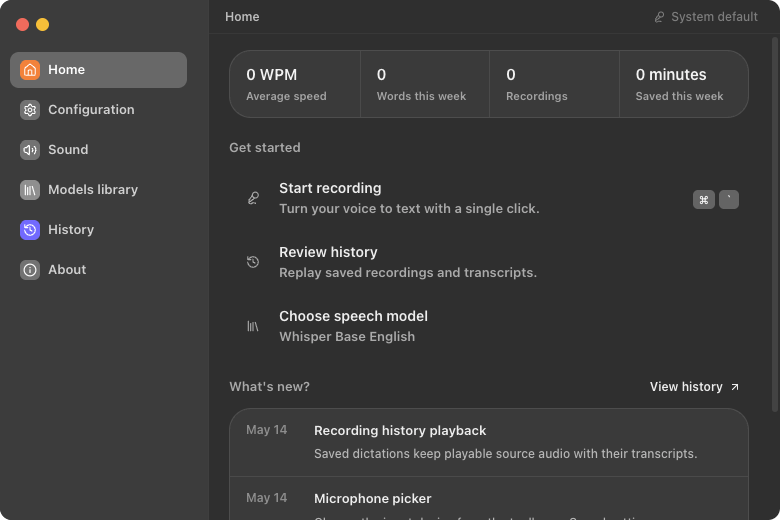
ASR Pro Home Screen
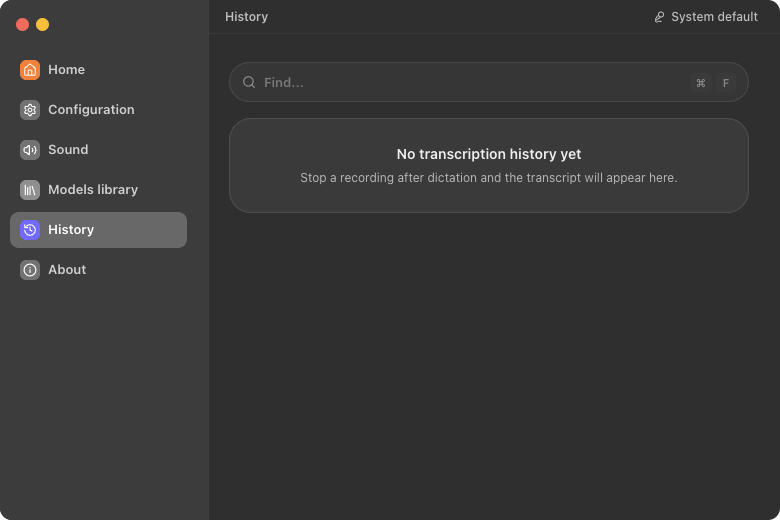
ASR Pro History Screen
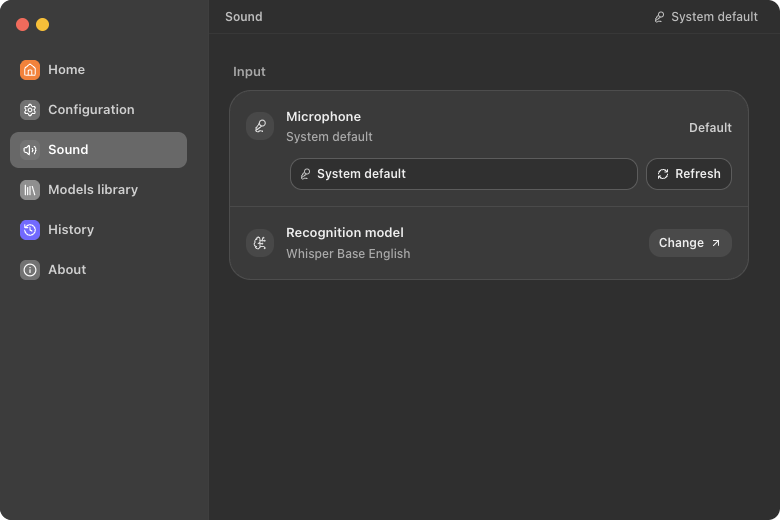
ASR Pro Sound Screen
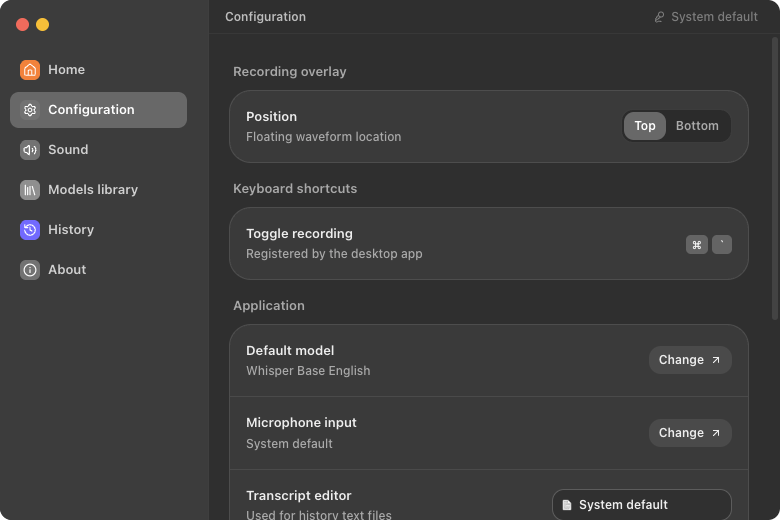
ASR Pro Configuration Screen
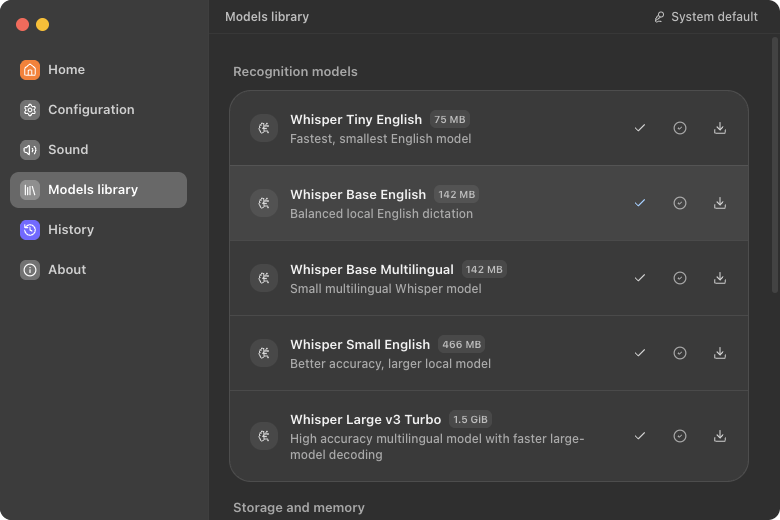
ASR Pro Models Screen
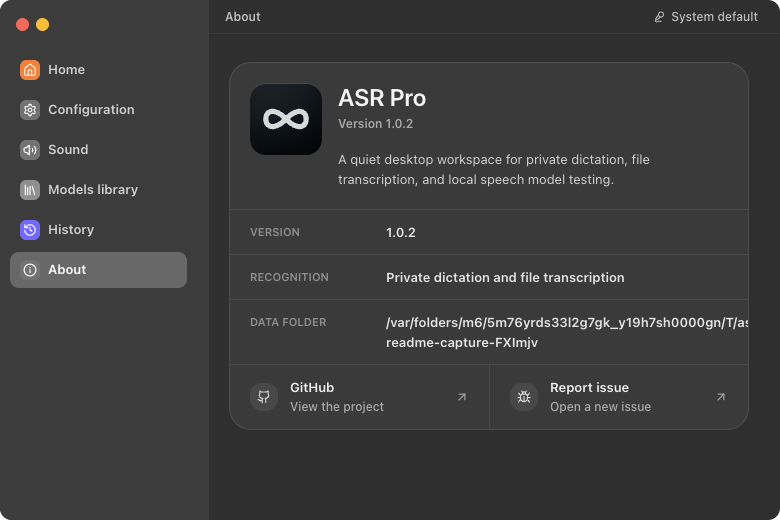
ASR Pro About Screen
Recording Workspace

Capture without context switching

Start and stop recording instantly using the main control button, the menu bar/system tray icon, or the global desktop hotkey. View fluid, hardware-accelerated audio level waveforms that provide live feedback of your microphone activity.

System-wide shortcut
Float waveform overlay
Tray-controlled capture
Local Database

Search, manage, and play back transcripts

All completed transcriptions are saved inside your local database. Search through text history, play back original recorded speech audio clips directly, copy transcripts to clipboard, or open target files inside external text editors like VS Code, Cursor, or TextEdit.

Full text fuzzy search
Offline audio playback
External editor sync
Hardware Settings

Configure audio inputs

Manage your audio inputs directly. Switch between multiple microphones, test live volume amplitudes on visual indicators, and refresh list bounds immediately when plugging or unplugging physical devices.

Microphone hot-swaps
Live decibel meter
Device connection checks
Application Tuning

Customize desktop behaviors

Toggle login startup to register ASR Pro in your system's background processes, toggle auto-copying to copy completed results to your clipboard immediately, configure your preferred system text editor, and choose overlay placements.

Login launch repair
Clipboard auto-copy
Overlay layout options
AI Models Library

Manage Whisper model parameters

Download and configure model files locally. Supports Whisper Tiny English (75 MB), Base English (142 MB), Base Multilingual (142 MB), Small English (466 MB), and Large v3 Turbo (1.5 GB). Models are verified via SHA-1 hashes before execution.

Offline model library
Integrity verification
RAM resource metrics
Product Information

Verify directories and paths

Review software versions, active engines, and storage footprints. Inspect data storage paths for models, history text transcripts, session databases, and console logs, and open directories with standard system file managers (Finder/Explorer).

Path directory display
Disk space diagnostics
Direct repository shortcuts

100% Privacy & Offline Ownership

Audio files are generated, converted, and transcribed entirely within the local process. There are no server uploads, external APIs, tracking cookies, or telemetry libraries.

View portable details

Local Model Library

Ships with support for multiple Whisper engine configurations. From ultra-fast Tiny model footprints up to highly accurate Large v3 parameters, you decide the performance/accuracy trade-off.

View supported models

Clean Desktop Integrations

Configure login launching, system-wide key bindings, clipboard syncs, and default coding text editors directly from the clean macOS-style configuration panel.

View startup details